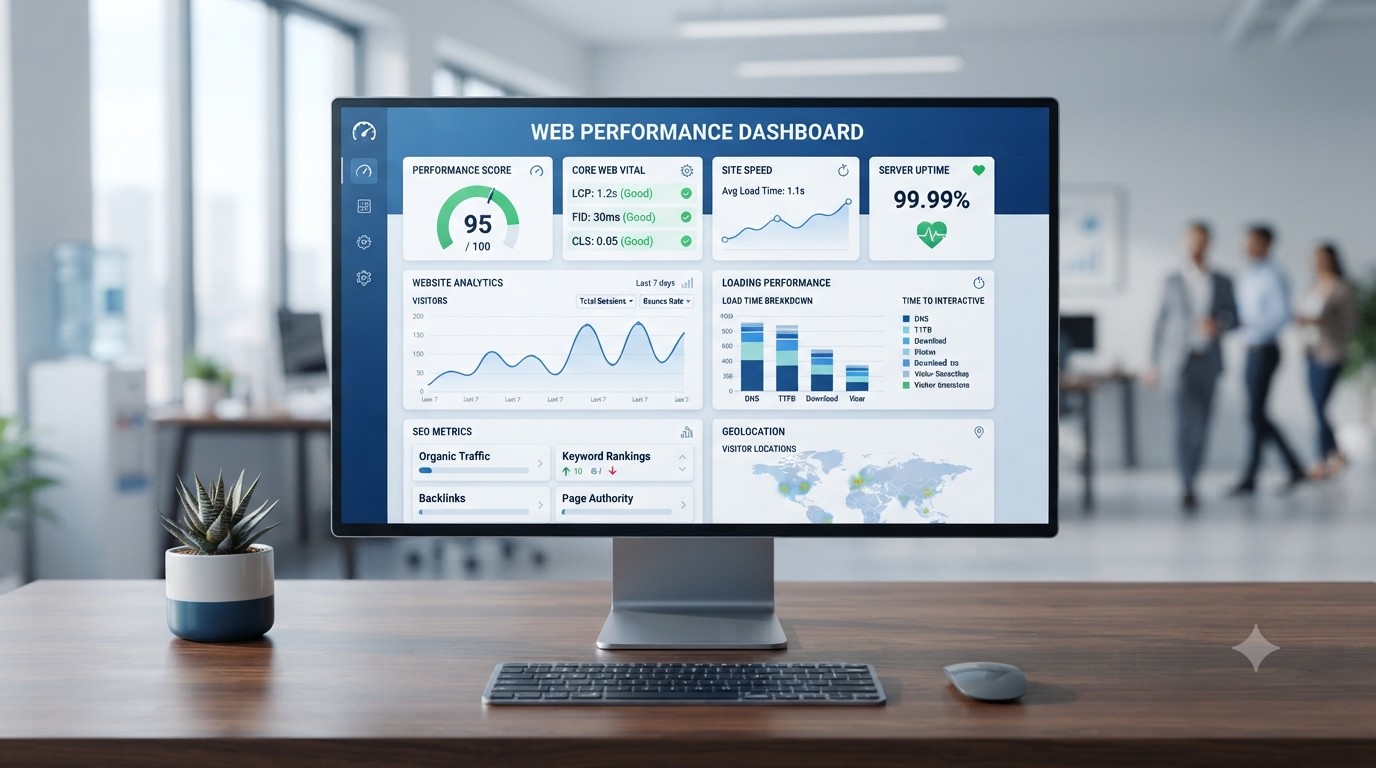

Have you ever clicked on a website and left because it took too long to load?
Your customers do the same.
If you’ve been asking why your website is slow, you’re already losing visitors, potential customers, and even Google rankings. Website speed is no longer just a technical issue, it’s a business issue. A slow website creates a poor user experience, reduces trust, and can directly impact your conversions.
The good news is that most website speed problems are easy to identify and fix. In this guide, you’ll learn the seven hidden reasons your website is slow and what you can do to improve its performance.
Key Takeaways
- Slow websites frustrate visitors and increase bounce rates.
- Poor hosting, large images, and outdated plugins are common causes.
- Website speed affects SEO, conversions, and user experience.
- Regular maintenance keeps your website fast and secure.
Why Website Speed Matters
A fast website keeps visitors engaged. A slow one pushes them away.
Google also considers page experience and website performance when ranking websites. If your pages load slowly, visitors are more likely to leave before viewing your products or services. Even a one-second delay can reduce engagement and conversions.
Whether you run a business website, an online store, or a blog, improving speed should be one of your top priorities.
1. You’re Using Poor Web Hosting
One of the biggest reasons why your website is slow is poor-quality web hosting.
If your server is overloaded or lacks enough resources, your website will struggle to load quickly especially during busy periods.
Fix
Choose reliable hosting with fast SSD storage, high uptime, and scalable resources.
2. Your Images Are Too Large
Uploading high-resolution images without compressing them is one of the most common speed problems.
Large images increase page size, forcing visitors to download more data before your website appears.
Fix
- Compress images before uploading.
- Use WebP image format.
- Resize images to match the display size.
- Enable lazy loading.
3. Too Many Plugins
Plugins add useful features, but installing too many can slow your website.
Some plugins load unnecessary scripts, increase database requests, or conflict with each other.
Fix
Review your plugins regularly and remove anything you don’t need.
Less is often more.
4. Your Website Isn’t Using Caching
Without caching, your website reloads everything every time someone visits.
Caching stores static files so returning visitors experience much faster loading times.
Fix
Enable browser caching or use a reliable caching plugin if you’re using WordPress.
5. Your Website Needs Maintenance
Many businesses launch a website and never maintain it again.
Old plugins, outdated themes, broken links, and cluttered databases all reduce performance over time.
Fix
Create a regular maintenance schedule to update software, remove unused files, and optimize your database.
6. Slow DNS Response
Before your website loads, your browser must first find your server through DNS.
If your DNS provider is slow, your website starts loading late.
Fix
Use a reliable DNS provider and make sure your DNS records are properly configured.
7. Your Website Isn’t Optimized for Mobile
More than half of website visitors browse using mobile devices.
If your mobile website loads slowly, visitors leave quickly.
Fix
- Test your website on different devices.
- Reduce large files.
- Simplify layouts.
- Remove unnecessary animations.
A mobile-friendly website improves both user experience and SEO.
How to Check Your Website Speed
You don’t have to guess whether your website is slow.
Use free tools such as Google PageSpeed Insights or GTmetrix to measure loading speed and identify issues affecting performance.
These tools provide recommendations you can use to improve your website’s speed and overall user experience.
How to Make Your Website Faster
Here’s a simple checklist:
- Upgrade your hosting.
- Compress your images.
- Remove unnecessary plugins.
- Enable caching.
- Keep your website updated.
- Optimize your database.
- Monitor your website regularly.
Small improvements can significantly increase website speed over time.
Conclusion
Understanding why your website is slow is the first step toward improving its performance.
Most speed issues are caused by poor hosting, oversized images, unnecessary plugins, outdated software, slow DNS, and a lack of regular maintenance. By fixing these problems, you’ll create a faster website that keeps visitors engaged, supports better SEO, and helps convert more visitors into customers.
If your website still feels slow after making these improvements, professional optimization can make a significant difference.
Ready to Speed Up Your Website?
At Leanna, we help businesses build and optimize fast, secure, and reliable websites. From web hosting and website maintenance to performance optimization and SSL setup, our team ensures your website is ready to deliver the best possible experience.
Contact Leanna today to improve your website’s speed and performance.
Frequently Asked Questions
Why is my website so slow?
The most common causes include poor web hosting, large images, too many plugins, slow DNS, outdated software, and lack of website maintenance.
Does website speed affect SEO?
Yes. Faster websites provide a better user experience and support better search engine performance.
How can I test my website speed?
You can use Google PageSpeed Insights or GTmetrix to analyze your website’s performance and identify areas for improvement.
What is a good website loading speed?
Ideally, your website should load in under three seconds for the best user experience.
Can changing my hosting improve website speed?
Yes. Upgrading to reliable, high-performance hosting often provides one of the biggest improvements in website speed.