
Free SSL vs Paid SSL at a Glance
| Free SSL | Paid SSL | |
|---|---|---|
| Encryption | Yes | Yes |
| Padlock in browser | Yes | Yes |
| Typical validation | Domain validation | Domain, business or extended validation |
| Support | Community or your host | Often from the certificate seller |
| Warranty | Usually none | Some include a warranty |
| Best for | Most business sites, blogs and many stores | Larger companies, banks, businesses that want extra proof of identity |
| Cost | No fee for the certificate | A yearly fee |
Exact features differ by seller, so check the details before you buy.
What Does an SSL Certificate Do?
An SSL certificate, now more correctly called a TLS certificate, lets your website use HTTPS. It encrypts the data travelling between your visitors and your site, so passwords, forms and payment details cannot be easily read on the way. Browsers show a padlock, and they warn visitors when a site is not secure.
For businesses, SSL is also a trust signal. Customers hesitate to enter their phone number or card details on a site that browsers flag as unsafe.
What Is Free SSL?
Let’s Encrypt is a free, automated and open certificate authority, run by the nonprofit Internet Security Research Group, that lets any domain name owner obtain a trusted certificate at no cost. In free SSL vs paid SSL, free options are common. Many hosting companies use it, or similar free options, to give customers HTTPS without extra charges.
Free certificates normally use domain validation. That means the authority checks that you control the domain, not who you are as a business. For many sites, that is enough.
What Does Paid SSL Add in Free SSL vs Paid SSL?
In free SSL vs paid SSL, paid certificates can add:
- Business validation: The seller checks your business details, which can add trust for some audiences.
- A warranty: Some sellers offer protection if their certificate causes a loss.
- Support: Help from the seller when something goes wrong.
- Extra features: Such as covering many subdomains with one certificate.
- Longer-term plans: Some people prefer to buy multi-year coverage.
In free SSL vs paid SSL, the padlock itself looks the same to most visitors. The big difference is validation level and service, not stronger encryption for ordinary use.
Mistake 1: Paying for What You Do Not Need
Many small sites pay for a certificate before checking free SSL vs paid SSL, when their host already includes a free one. Before you buy, ask your host:
- Is SSL included free with my plan?
- Does it renew automatically?
- Does it cover both yourwebsite.com and www.yourwebsite.com?
If the answers are yes, you may not need to buy anything.
Mistake 2: Letting the Certificate Expire
An expired certificate makes browsers show a warning page, and many visitors will not click through. In free SSL vs paid SSL, expiry is a risk for both. Free certificates are typically renewed automatically, but it can fail if your DNS or hosting settings change.
Protect yourself:
- Turn on auto-renewal.
- Keep your hosting account and payment details active.
- Set a calendar reminder to check the padlock monthly.
Our website maintenance checklist includes this check.
Mistake 3: Forgetting the “www” Version
Visitors may type yourwebsite.com or www.yourwebsite.com. If your certificate only covers one version, the other can show a warning.
Make sure the certificate covers both, and set up a redirect so everyone lands on one preferred address. Our guide on WordPress redirects explains how.
Mistake 4: Mixed Content After Switching
You install SSL, but some images or scripts still load from old “http” addresses. Browsers may then show a warning or block those items, and your padlock may not look fully secure.
Fix it by:
- Changing your WordPress site address and home address to https.
- Updating old links and image addresses.
- Using a plugin or a search-and-replace tool carefully, with a backup first.
- Checking your key pages in a browser.
Mistake 5: Thinking SSL Means Your Site Is Safe
In free SSL vs paid SSL, neither protects everything. SSL protects data in transit. It does not stop hackers, malware, weak passwords or outdated plugins. A site can have a padlock and still be hacked.
Keep WordPress, themes and plugins updated, use strong passwords and keep backups. The WordPress developer documentation explains that a full backup includes your database and your files.
Mistake 6: Skipping SSL on Payment Pages
If your store takes payments, SSL is not optional, whether you pick free SSL vs paid SSL. WooCommerce’s documentation for the Paystack gateway lists a valid SSL certificate as a requirement, along with a Paystack merchant account and an active WooCommerce installation.
Customers also expect a padlock before they enter card details. Test your checkout on a phone before you launch. Our guide to starting an online store in Nigeria covers the other basics.
Mistake 7: Buying Without Checking Hosting Support
Some hosts make installing a certificate simple. Others need manual steps. If you buy a paid certificate and your host cannot install it, you may waste time and money.
Ask your host:
- Do you install paid certificates for me?
- Is there an extra fee?
- Do you support the validation type I need?
Reliable local support helps, so see our guide to choosing the best hosting company in Nigeria.
Which Should You Choose?
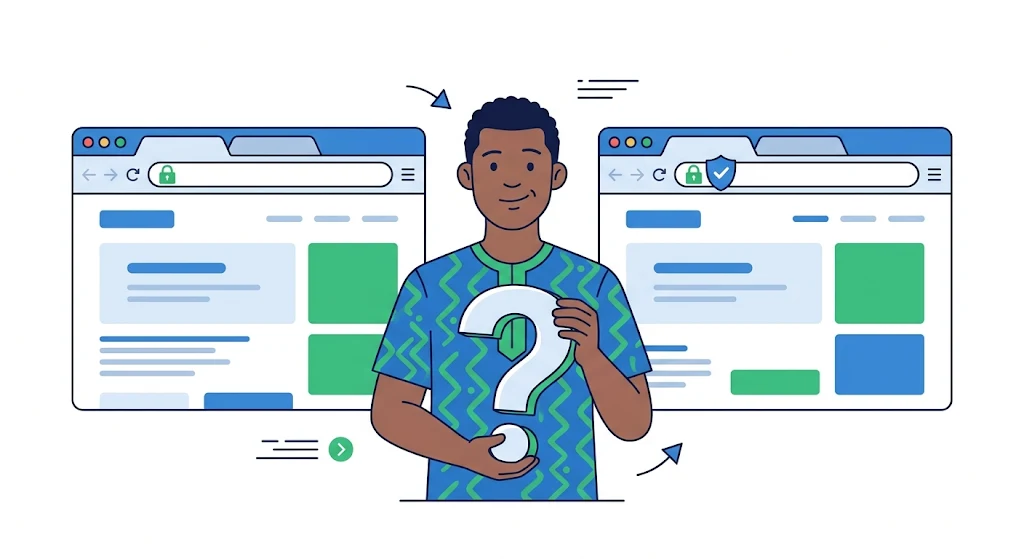
Use this free SSL vs paid SSL table to decide.
| Your situation | Likely best choice |
|---|---|
| Small business site, blog or portfolio | Free SSL |
| Online store using a standard payment gateway | Free SSL, if it is valid and auto-renews |
| Company that wants extra proof of identity | Paid SSL with business validation |
| Organisations with strict rules or many subdomains | Paid SSL, after checking requirements |
| You do not want to manage anything | Hosting that includes and renews SSL for you |
If you are unsure about free SSL vs paid SSL, start with the free certificate included by your host. You can upgrade later.
How to Check Your SSL
- Open your website in a browser and look for the padlock.
- Click the padlock to see the certificate details and the expiry date.
- Test both the www and non-www versions.
- Visit your main pages and checkout to look for warnings.
- Test on a phone and in a second browser.
How Leanna Hosting Can Help
Leanna Hosting offers web hosting, domains and website management for Nigerian businesses, with local support and billing in Naira. We can help you decide on free SSL vs paid SSL, check your SSL, fix warnings and keep your certificate renewed. See our hosting plans, read about web hosting for ecommerce in Nigeria, or call 09024991566 or 09084990920.
Frequently Asked Questions
1. What is the real difference in free SSL vs paid SSL?
Both encrypt data and show the padlock. Paid certificates can add business validation, support and sometimes a warranty. Free certificates usually offer domain validation only.
2. Is free SSL good enough for my website?
For most small business websites, blogs and many online stores, yes, as long as it installs correctly and renews automatically.
3. Is free SSL safe?
The encryption works the same way for ordinary use. But SSL only protects data in transit. You still need updates, strong passwords and backups.
4. Does my online store need paid SSL?
Not always. Many payment gateways require a valid SSL certificate, which can be free. Check the requirements of the gateway you use.
5. Why does my website say “Not secure”?
Common reasons are no SSL installed, an expired certificate, mixed content, or a certificate that does not cover the address you typed.
6. How often do I need to renew SSL?
It depends on the certificate. Many free certificates renew automatically. Check the expiry date in your browser and make sure auto-renewal is on.
7. Does SSL help my website rank on Google?
HTTPS is part of a trustworthy site, but it will not rank a weak site by itself. Focus on helpful content and a secure, fast website.
Keep Your Website Secure and Trusted
Free SSL vs paid SSL matters less than keeping it valid. A padlock builds trust, but an expired certificate destroys it. Leanna Hosting can check, install and manage your SSL, so visitors always see a secure site.
Call or WhatsApp: 09024991566 or 09084990920 Visit: www.leanna.ng
Explore Leanna Hosting’s hosting plans and secure your website today.