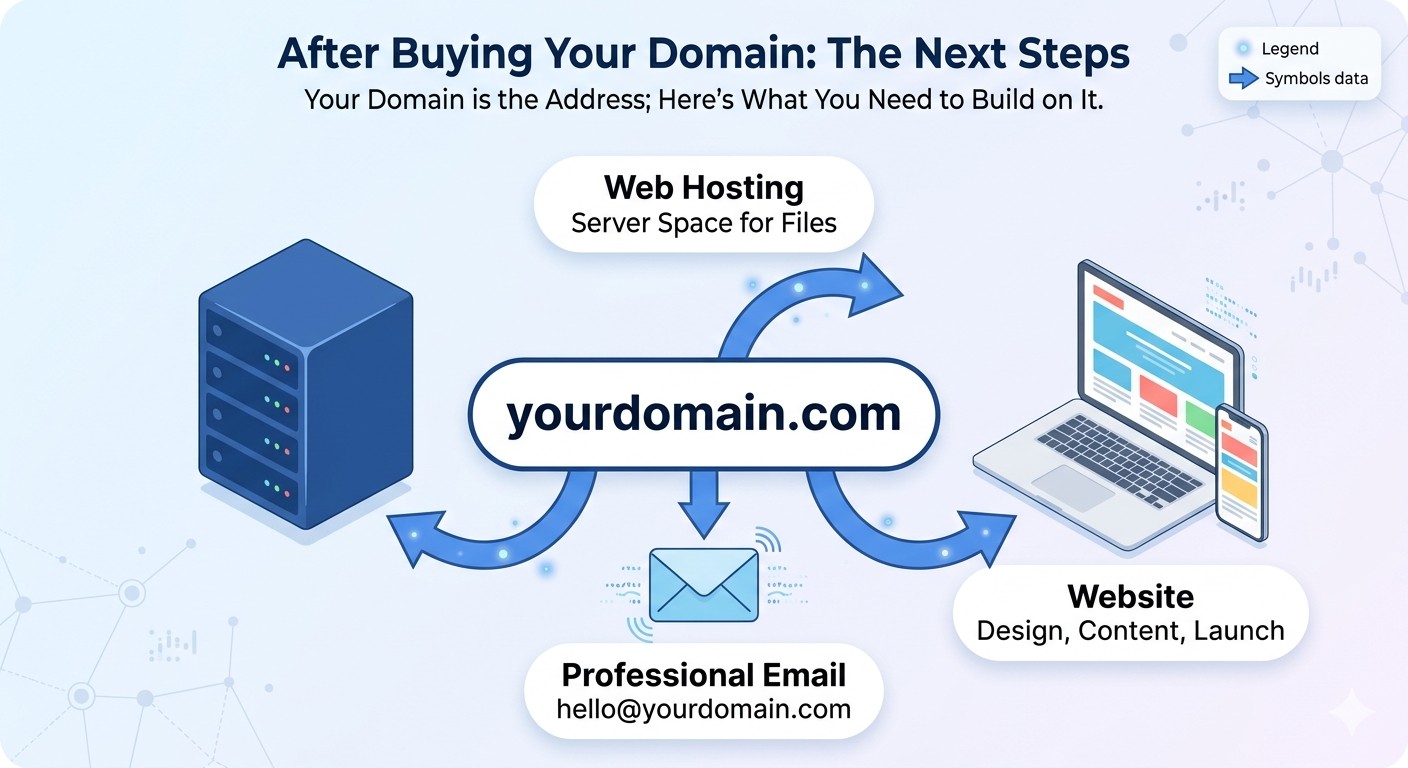

Buying a domain name feels like a big step. But many people don’t know what to do after buying a domain name, and that’s where confusion starts.
But here’s what most people don’t realize:
Buying a domain name is only the beginning.
On its own, a domain is just an address. It doesn’t display a website, host content, or automatically make your business visible online.
So what actually happens after you buy a domain name?
Let’s break it down in simple steps.
- Step 1: Your Domain Becomes Yours
- Step 2: What to Do After Buying a Domain Name — Get Hosting
- Step 3: You Connect Your Domain to Hosting
- Step 4: You Build or Install Your Website
- Step 5: Your Website Goes Live
- Example: What This Looks Like in Real Life
- What Most Beginners Get Wrong
- Extra Step: Setting Up Professional Email
- Tools That Help in This Process
- Frequently Asked Questions
- Do I need hosting immediately after buying a domain?
- Can I own a domain without a website?
- How long does it take for a domain to go live?
- Final Thoughts
Step 1: Your Domain Becomes Yours
Once you purchase a domain through a registrar like Leanna, it gets registered under your name.
At this stage:
- The domain is reserved for you
- No one else can use it
- You own it for a set period (usually 1 year or more)
Think of it like buying land. You now own the space, but nothing has been built yet.
Step 2: What to Do After Buying a Domain Name — Get Hosting
This is where most beginners get confused.
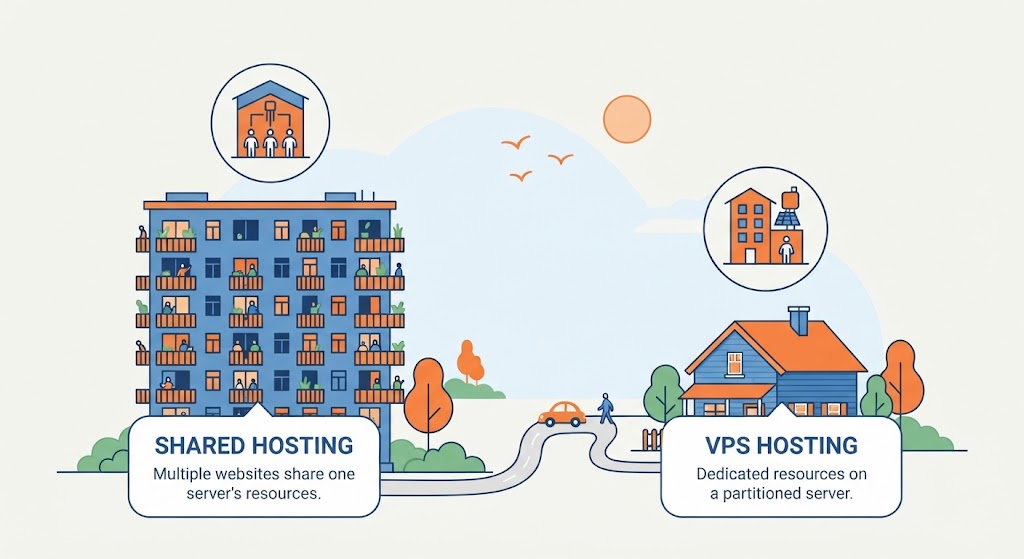
A domain name alone cannot display a website. You need web hosting to make your domain functional.
Hosting is where your website files are stored. When someone types your domain into a browser, the hosting server delivers your website content.
Without hosting:
- your domain shows nothing
- no website loads
- visitors see an empty or parked page
This is why many people feel stuck after buying a domain, they expect a website to appear automatically.
Step 3: You Connect Your Domain to Hosting
After getting hosting, the next step is connecting your domain to it using DNS (Domain Name System) settings.
In simple terms:
- your domain = address
- hosting = house
- DNS = directions connecting both
Once your DNS is updated, your domain will point to your hosting server.
This step is important because without it, your website cannot be accessed online.
Domain names are managed globally through systems overseen by organizations like ICANN, which coordinate how domain names and DNS work across the internet.
At this stage, many people still don’t fully understand what to do after buying a domain name, which is why they get stuck before launching their website.
Step 4: You Build or Install Your Website
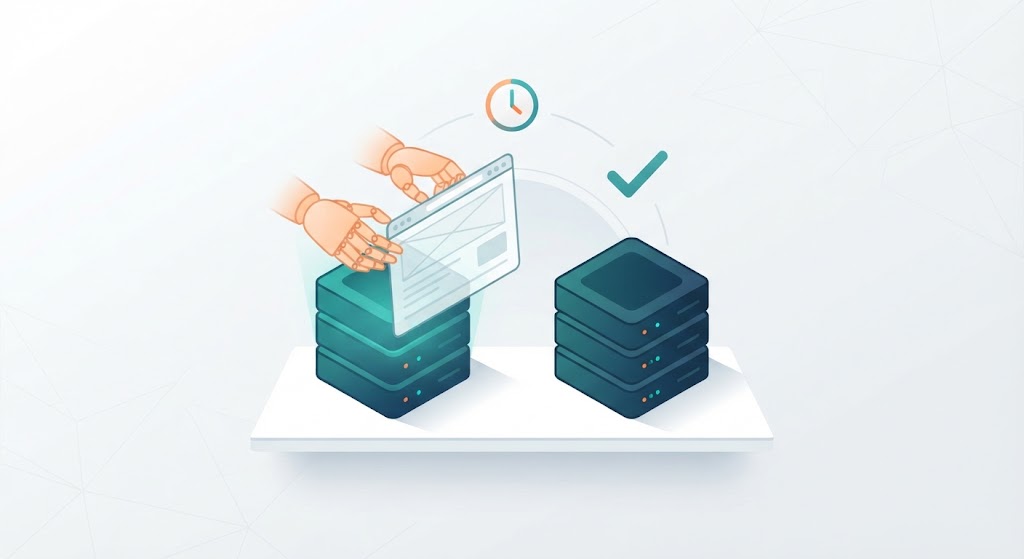
Now your domain and hosting are connected, but your website still needs to be created.
You can:
- use a website builder
- install WordPress
- or use modern tools to simplify the process
If you want a faster approach, you can even use AI tools like Claude AI to plan and structure your website before building it.
If you’re not sure how to start building your site, you can follow this guide on building a website with Claude AI to turn your ideas into real pages faster.
At this stage, you’ll create pages like:
- Home
- About
- Services
- Contact
This is where your online presence actually starts taking shape.
Step 5: Your Website Goes Live
Once everything is properly set up:
- your domain is connected
- your hosting is active
- your website is built
Your site becomes live.
Anyone can now visit your domain and see your content.
Example: What This Looks Like in Real Life
Let’s make this simple.
Imagine you buy a domain for your business today. When you visit it, nothing shows.
After you:
- connect hosting
- install your website
- add content
Your domain now displays a real website that people can access from anywhere.
This is the full process most beginners don’t see at the beginning.
If you’re wondering what to do after buying a domain name, the next step is always setting up hosting and connecting it properly.
What Most Beginners Get Wrong
Many people assume: “Once I buy a domain, my website is ready.”
But that’s not how it works.
Common mistakes include:
- buying a domain without hosting
- not connecting DNS properly
- leaving domains unused
- expecting automatic results
Understanding the process helps you avoid these delays.
Extra Step: Setting Up Professional Email
After buying a domain, you can also create a custom email address like:
This makes your business look more professional and builds trust with customers.
Tools That Help in This Process
To complete everything smoothly, you’ll typically use:
- Leanna for buying domains
- hosting providers for storing your website
- website builders or CMS platforms for creating your site
Each tool plays a different role, but they all work together to bring your website online.
Frequently Asked Questions
Do I need hosting immediately after buying a domain?
Not immediately, but you need hosting before your website can go live.
Can I own a domain without a website?
Yes. You can own a domain without building a website, but it won’t display anything until you connect hosting.
How long does it take for a domain to go live?
Once connected properly, it can take a few minutes to a few hours, depending on DNS propagation.
Final Thoughts
Buying a domain name is just the first step.
What truly matters is what you do next:
- connect hosting
- build your website
- create useful content
Once you understand this process, everything becomes clearer and easier to manage.
Now that you know what to do after buying a domain name, you can move forward with confidence and start building your online presence.