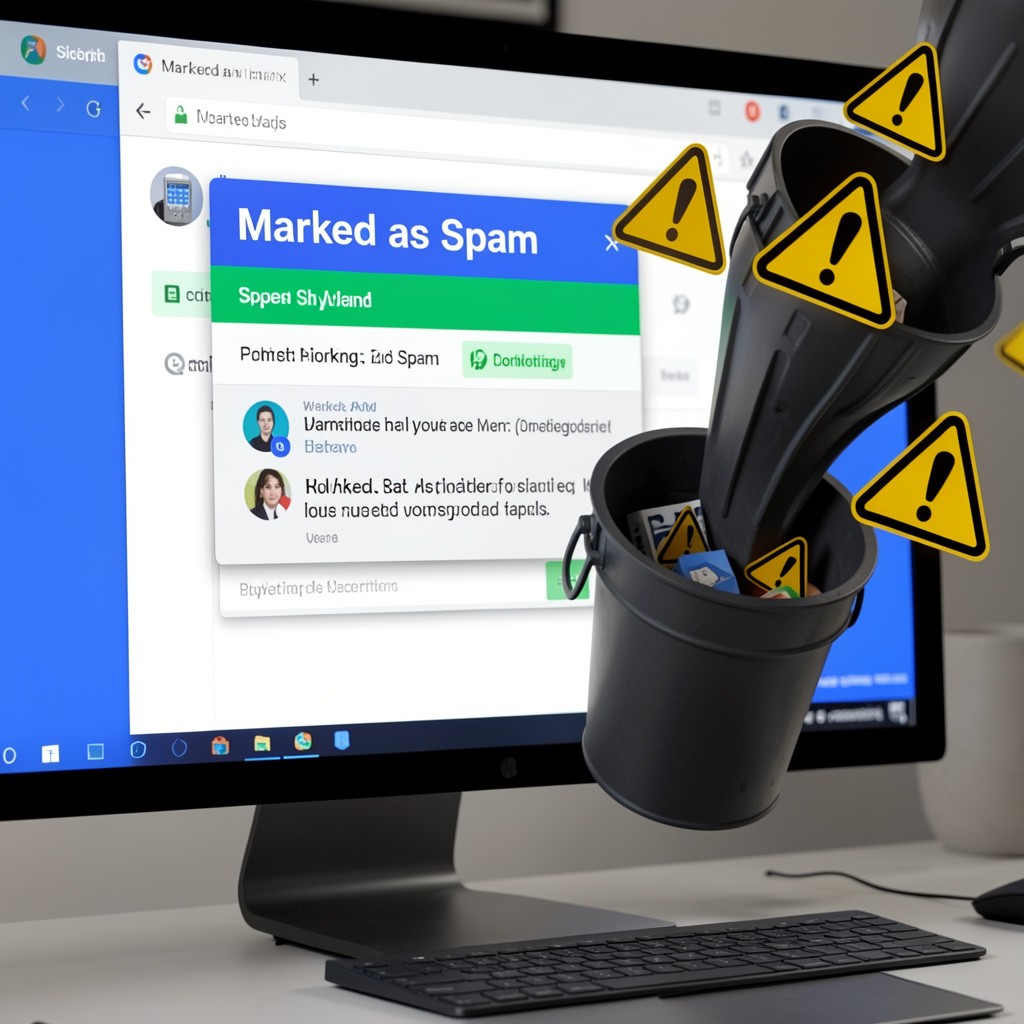

Marking an email as spam is something most people do instantly. But what happens when you mark an email as spam?
It might seem like a small action, but it actually triggers several important processes that help protect your inbox and improve email security.
- What Happens When You Mark an Email as Spam: It Leaves Your Inbox Immediately
- What Happens When You Mark an Email as Spam: Your Email Learns Your Preferences
- What Happens When You Mark an Email as Spam: Future Emails Get Filtered
- What Happens When You Mark an Email as Spam: It Improves Spam Detection
- What Happens When You Mark an Email as Spam: Sender Reputation Is Affected
- What Happens When You Mark an Email as Spam: The Sender Is Not Notified
- What Happens When You Mark an Email as Spam: It Helps Protect You
- Spam vs Unsubscribe (Important Difference)
- When Should You Mark an Email as Spam?
- Final Thoughts
- FAQ SCHEMA
What Happens When You Mark an Email as Spam: It Leaves Your Inbox Immediately
The first thing that happens when you mark an email as spam is that it is removed from your inbox and sent to your spam (or junk) folder.
Email providers like Gmail and Outlook do this to separate suspicious messages from your regular emails.
In most cases:
- Images are blocked
- Links are limited
- Emails may be deleted automatically after 30 days
What Happens When You Mark an Email as Spam: Your Email Learns Your Preferences
Another key thing that happens when you mark an email as spam is that your email system starts learning from your behavior.
It begins to understand:
- which emails you don’t want
- which senders to avoid
- what patterns look suspicious
This makes your spam filter smarter over time.
What Happens When You Mark an Email as Spam: Future Emails Get Filtered
When you repeatedly mark emails as spam, future messages from the same sender are more likely to be filtered automatically.
This means:
- fewer unwanted emails in your inbox
- better control over what you see
What Happens When You Mark an Email as Spam: It Improves Spam Detection
What happens when you mark an email as spam doesn’t just affect you, it helps everyone.
Email systems analyze this data to:
- detect similar spam messages
- block large spam campaigns
- improve overall security
You’re contributing to a smarter filtering system.
What Happens When You Mark an Email as Spam: Sender Reputation Is Affected
Each time users report spam, it affects the sender’s reputation.
Email providers evaluate:
- complaint rates
- engagement levels
- sending behavior
If a sender gets too many spam reports:
- their emails may go straight to spam
- delivery may be delayed or blocked
For more on how email systems work, you can check resources from Google or Microsoft.
What Happens When You Mark an Email as Spam: The Sender Is Not Notified
A common concern is whether the sender knows.
The answer is no.
When you mark an email as spam:
- the sender is not alerted
- your action stays private
- only system-level data is used
What Happens When You Mark an Email as Spam: It Helps Protect You
Ultimately, what happens when you mark an email as spam is simple, you make your inbox safer.
You reduce:
- phishing risks
- malware exposure
- unwanted messages
Spam vs Unsubscribe (Important Difference)
Not every unwanted email is spam.
- Unsubscribe → for emails you signed up for
- Spam → for suspicious or harmful emails
Using the right option improves your email experience.
When Should You Mark an Email as Spam?
You should mark an email as spam if:
- you don’t recognize the sender
- it asks for personal information
- it contains suspicious links or files
- you never signed up for it
Final Thoughts
Now you understand what happens when you mark an email as spam.
It’s more than just removing an email, it trains your inbox, improves filtering, and helps protect you from digital threats.
FAQ SCHEMA
Q1: What happens if I mark an email as spam?
It moves to your spam folder, blocks future emails from that sender, and helps improve spam filters.
Q2: Does marking spam block the sender?
Yes, most email providers will automatically filter future emails into spam.
Q3: Can marking spam affect a company?
Yes, multiple spam reports can damage a sender’s reputation and reduce email deliverability.
Q4: Is spam the same as unsubscribe?
No. Spam reports an email, while unsubscribe removes you from a mailing list.