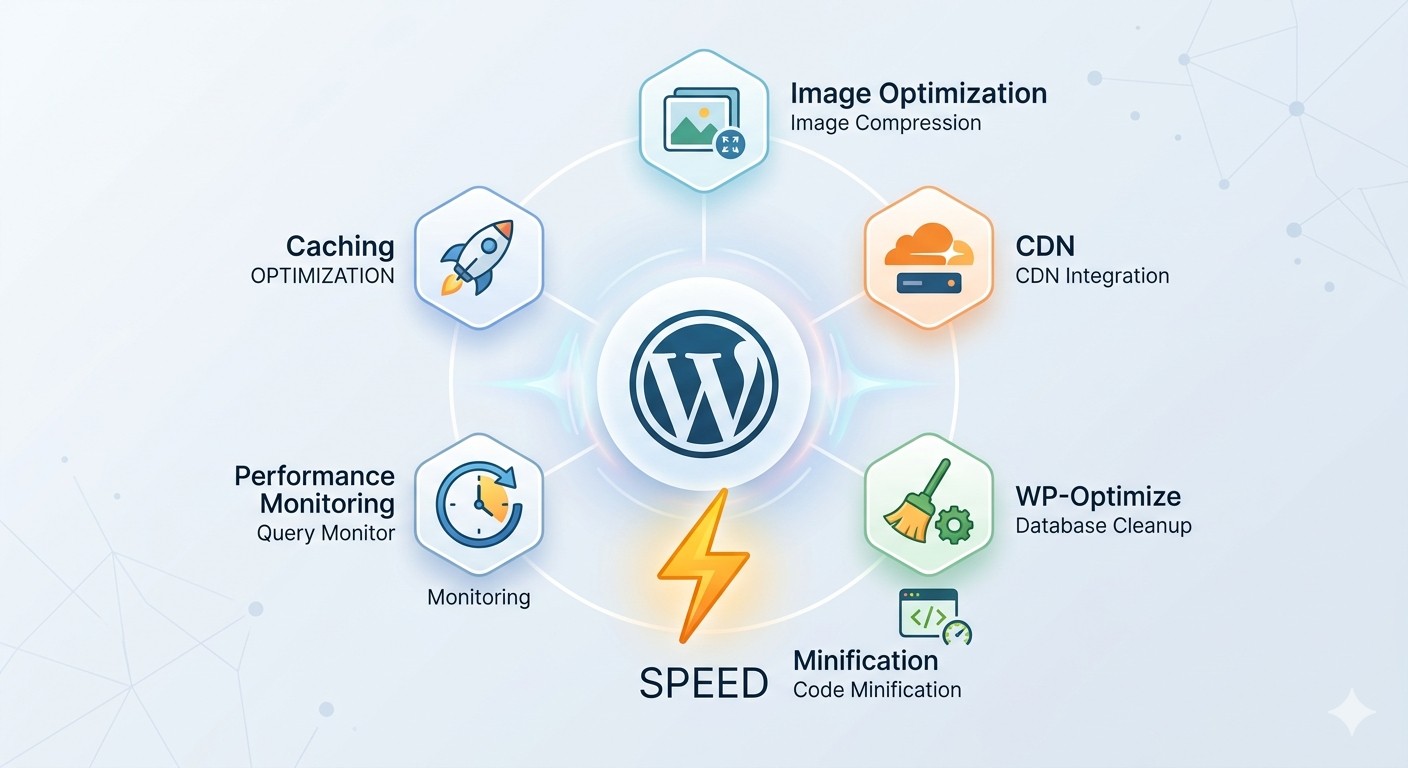

- Top WordPress Plugins for Speed: Why Your Website Still Feels Slow
- What Actually Slows Down a WordPress Website
- Top WordPress Plugins for Speed That Actually Make a Difference
- 1. WP Rocket (Best Overall Performance Plugin)
- 2. LiteSpeed Cache (Best Free Option)
- 3. WP Super Cache (Beginner-Friendly Choice)
- 4. Smush (Image Optimization Made Easy)
- 5. WP-Optimize (Database Cleanup + Performance)
- 6. Autoptimize (Code Optimization)
- 7. Perfmatters (Advanced Speed Control)
- How to Choose the Right Plugin (Don’t Install Everything)
- How This Connects to Your Website Setup
- Why Website Speed Still Matters Globally
- Test Your Website Speed (Important Step)
- Where to Find These Plugins
- In Summary
Top WordPress Plugins for Speed: Why Your Website Still Feels Slow
Top WordPress plugins for speed are essential because a slow website quietly kills your growth.
You might not notice it immediately, but your visitors do.
If your site takes more than a few seconds to load, people leave. They don’t wait, they don’t explore, and they definitely don’t convert.
The frustrating part is this:
many website owners think the problem is their hosting, when in reality, it’s poor optimization.
The good news? You don’t need to rebuild your website.
You just need the right tools.
What Actually Slows Down a WordPress Website
Before jumping into plugins, it helps to understand what’s really causing the problem.
Most slow WordPress sites suffer from:
- unoptimized images
- too many scripts loading at once
- no caching system
- bloated database
- unnecessary plugins running in the background
Speed issues are rarely one thing, they’re usually a combination.
Top WordPress Plugins for Speed That Actually Make a Difference
Instead of overwhelming you with 15+ tools, here are the ones that actually matter.
1. WP Rocket (Best Overall Performance Plugin)
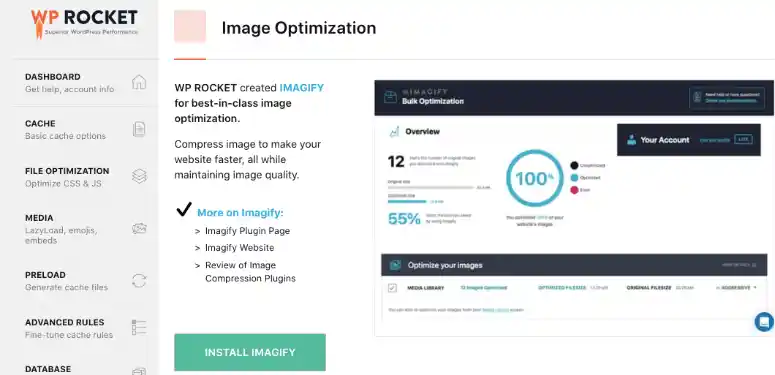 If you want something that just works without stress, WP Rocket is usually the first recommendation.
Once activated, it:
- enables caching automatically
- reduces file sizes
- lazy-loads images and videos
- improves page load time instantly
It’s not free, but it’s built for people who want results without technical setup.
2. LiteSpeed Cache (Best Free Option)
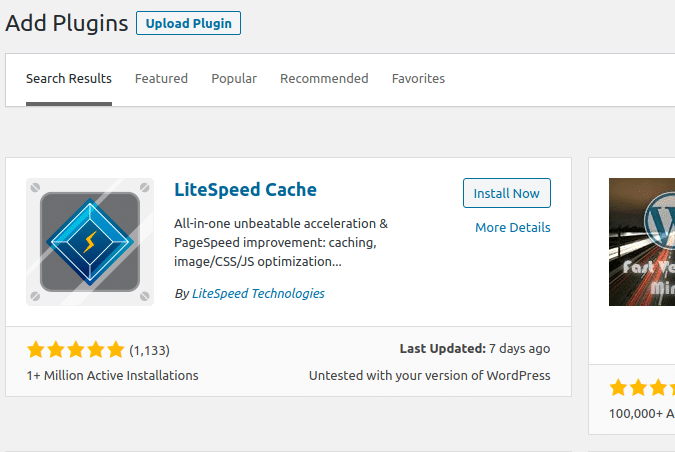 LiteSpeed Cache is one of the most powerful free plugins available.
It handles:
- page caching
- image optimization
- database cleanup
- performance tuning
It works best on LiteSpeed servers, but still performs well on others.
3. WP Super Cache (Beginner-Friendly Choice)
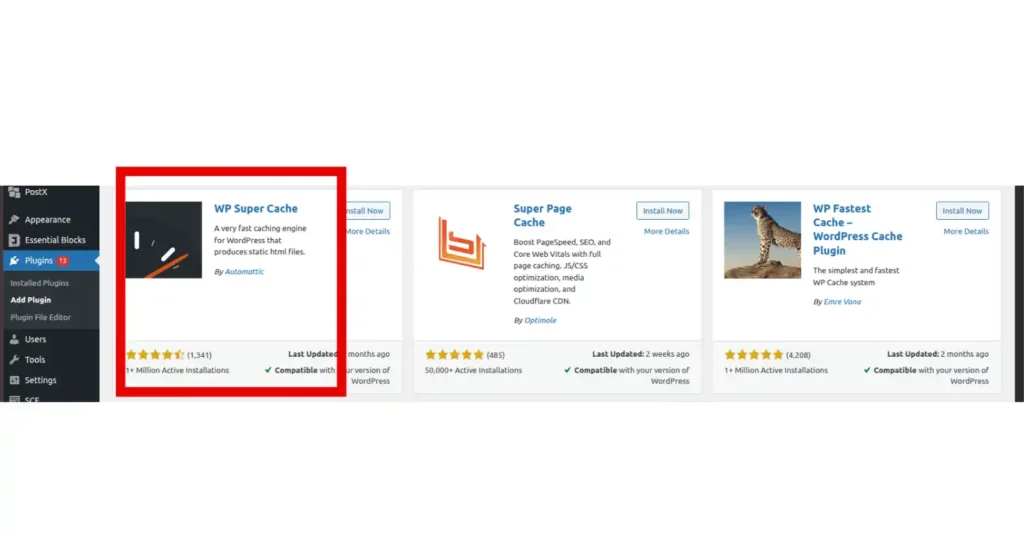 Created by the team behind WordPress, WP Super Cache is simple and reliable.
It generates static pages of your site so visitors don’t have to wait for everything to load from scratch.
Perfect if you want something easy to use without too many settings.
4. Smush (Image Optimization Made Easy)
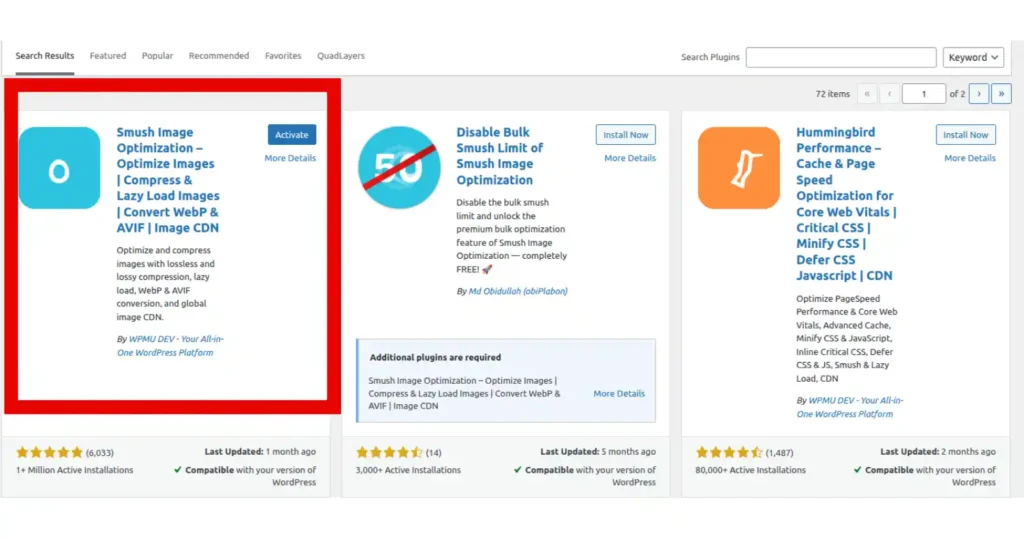 Images are one of the biggest reasons websites are slow.
Smush helps by:
- compressing images
- reducing file sizes
- enabling lazy loading
You keep quality, but lose the extra weight slowing your site down.
5. WP-Optimize (Database Cleanup + Performance)
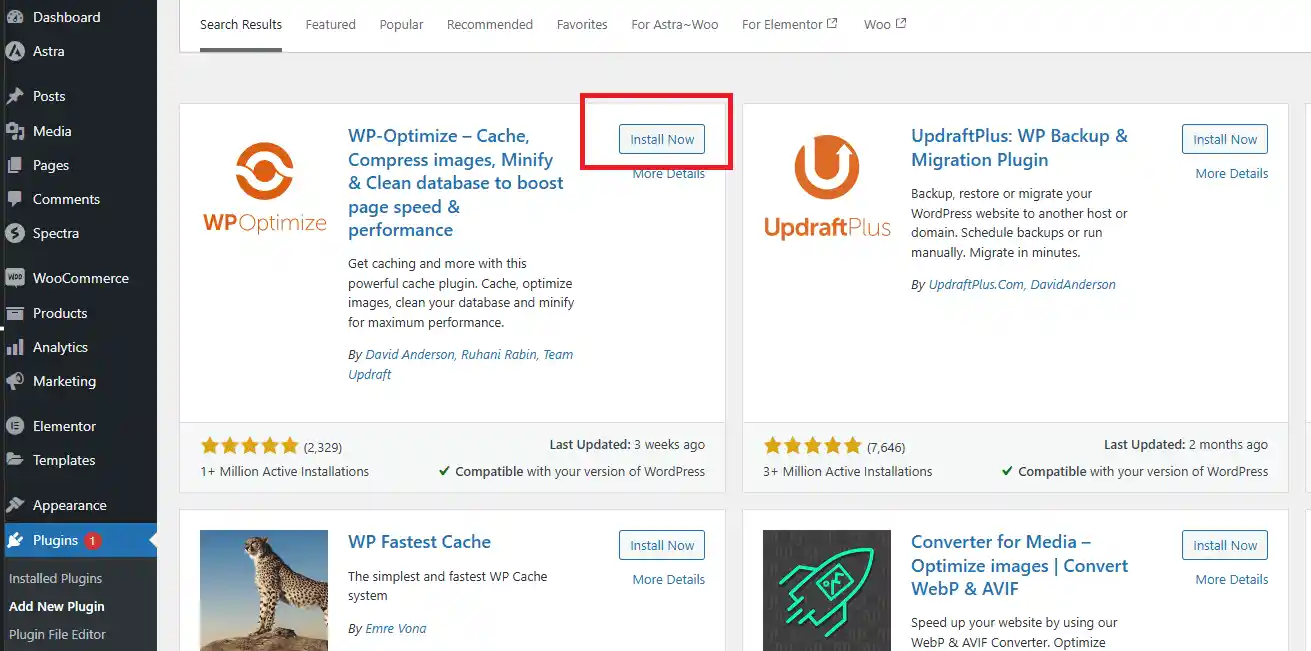 Over time, your website collects unnecessary data.
WP-Optimize cleans:
- old revisions
- spam comments
- unused database entries
This keeps your site running smoothly and improves speed behind the scenes.
6. Autoptimize (Code Optimization)
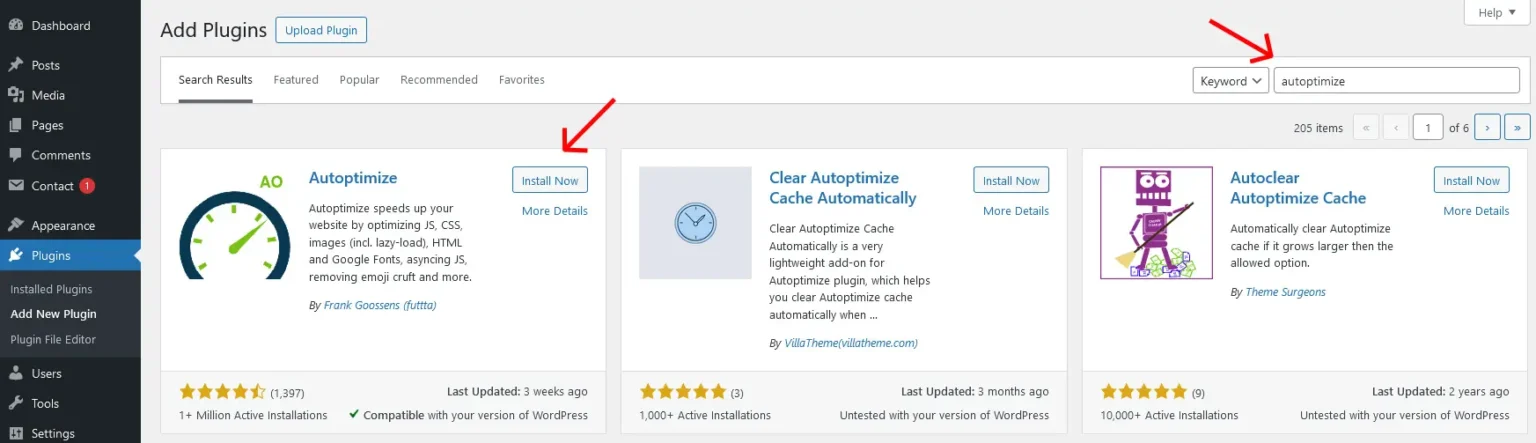 Autoptimize focuses on improving how your website loads its code.
It:
- minifies CSS, JavaScript, and HTML
- reduces unnecessary files
- improves load efficiency
It works best when combined with a caching plugin.
7. Perfmatters (Advanced Speed Control)
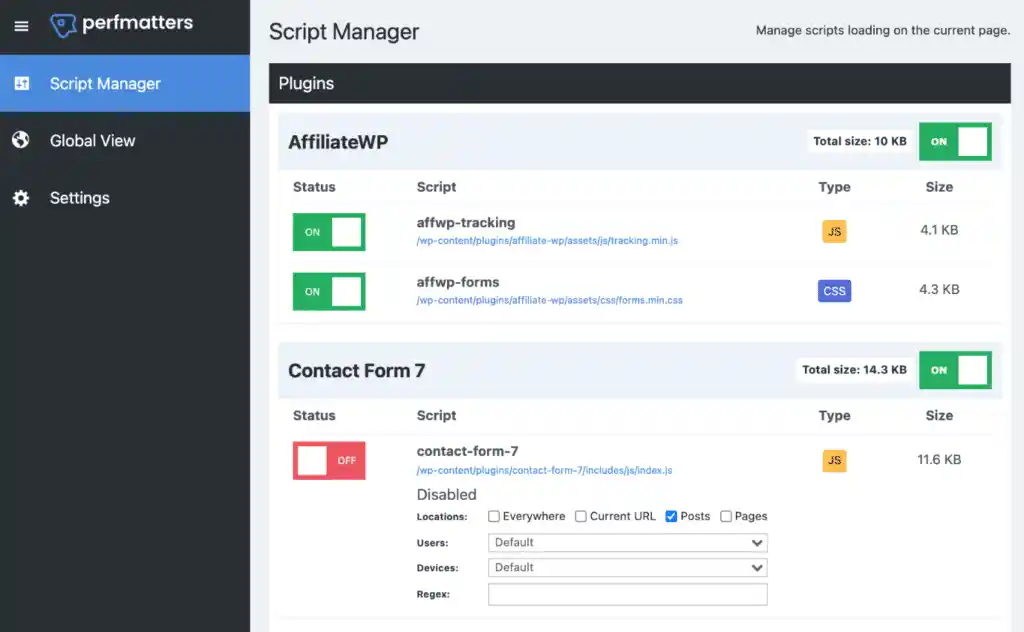 Perfmatters is for people who want deeper control.
It allows you to:
- disable unnecessary scripts
- reduce HTTP requests
- optimize loading behavior
It’s lightweight but very powerful.
How to Choose the Right Plugin (Don’t Install Everything)
Here’s where many people get it wrong.
More plugins ≠ better speed.
Instead:
- choose one caching plugin
- add one image optimizer
- optionally add one performance plugin
That’s enough for most websites.
How This Connects to Your Website Setup
Speed optimization doesn’t work in isolation.
It’s part of a bigger system that includes your hosting, domain setup, and overall website structure.
If you want to understand how everything fits together, you can explore more practical guides on our blog where each step is explained clearly.
Why Website Speed Still Matters Globally
Website performance is not just about user experience, it’s part of how the web itself is designed.
Standards that guide how websites load and behave are shaped by organizations like the W3C, ensuring websites perform consistently across browsers and devices.
That’s why speed optimization is not optional, it’s expected.
Test Your Website Speed (Important Step)
You shouldn’t guess your website performance, you should measure it.
Use this free tool to check your speed and get recommendations.
Where to Find These Plugins
Most of these plugins are available on the official WordPress plugin directory.
In Summary
Top WordPress plugins for speed can transform your website, but only when used correctly.
You don’t need everything.
You just need the right combination.
Start small, test your results, and improve gradually.
A faster website doesn’t just feel better, it performs better.